Apple Press

A gentle clicker for kids. Tap a big cartoon apple and grow a backyard orchard into something far bigger.

betaMITno adsno accountsno data sentno purchasesno installsingle playerfirst-time tourworks offline
Apple Press on a phone: a big smiling apple, the score and the first upgrades
The upgrade list on a phone, with per click and per second gains
Apple Press on a phone in dark mode, with a night scene

What it is and how it works

Apple Press is a free clicker game for kids in a single web page. Tap the apple to pick apples, buy upgrades, and move through stages that each bring a promotion party, a new animated scene and new upgrades. The whole game, with scenes, fonts and code, is one HTML file. It runs with no server and keeps progress in your browser, so once the page is open, or saved as one file, it needs no internet. New players get a short guided tour the first time they play, and it can be skipped.

Why it exists

A gentle clicker for children and the grown-ups who sit with them: free, with no ads, purchases or accounts, no sounds, no timers or streaks, and nothing to trade. It also tests how much game fits in one small file anyone can save, send to a friend and open offline.

Built for kids

Big tap targets, no timers or streaks, and a Grown-ups door in front of links.

13 stages

A first adventure of six stages, then a longer journey, with a sticker book of 49 stickers.

No sound

A visual and tactile game, with less stimulation for sensory challenges. Calm effects tone down motion.

Send it to a friend

One file, or two smaller copies for messages and email. Double-click to open.
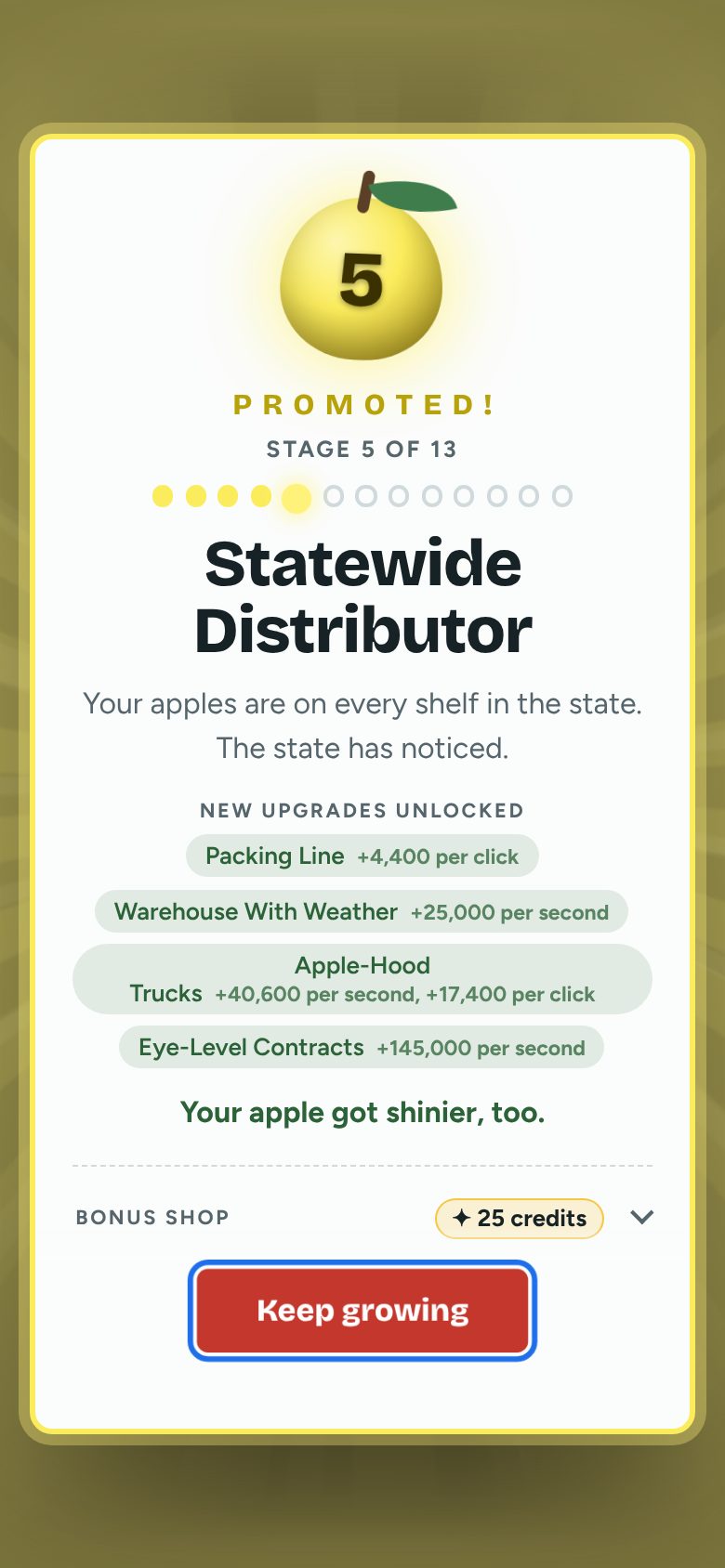
The promotion party on a phone: a new stage name and new upgrades to buy
A promotion party when a new stage opens.
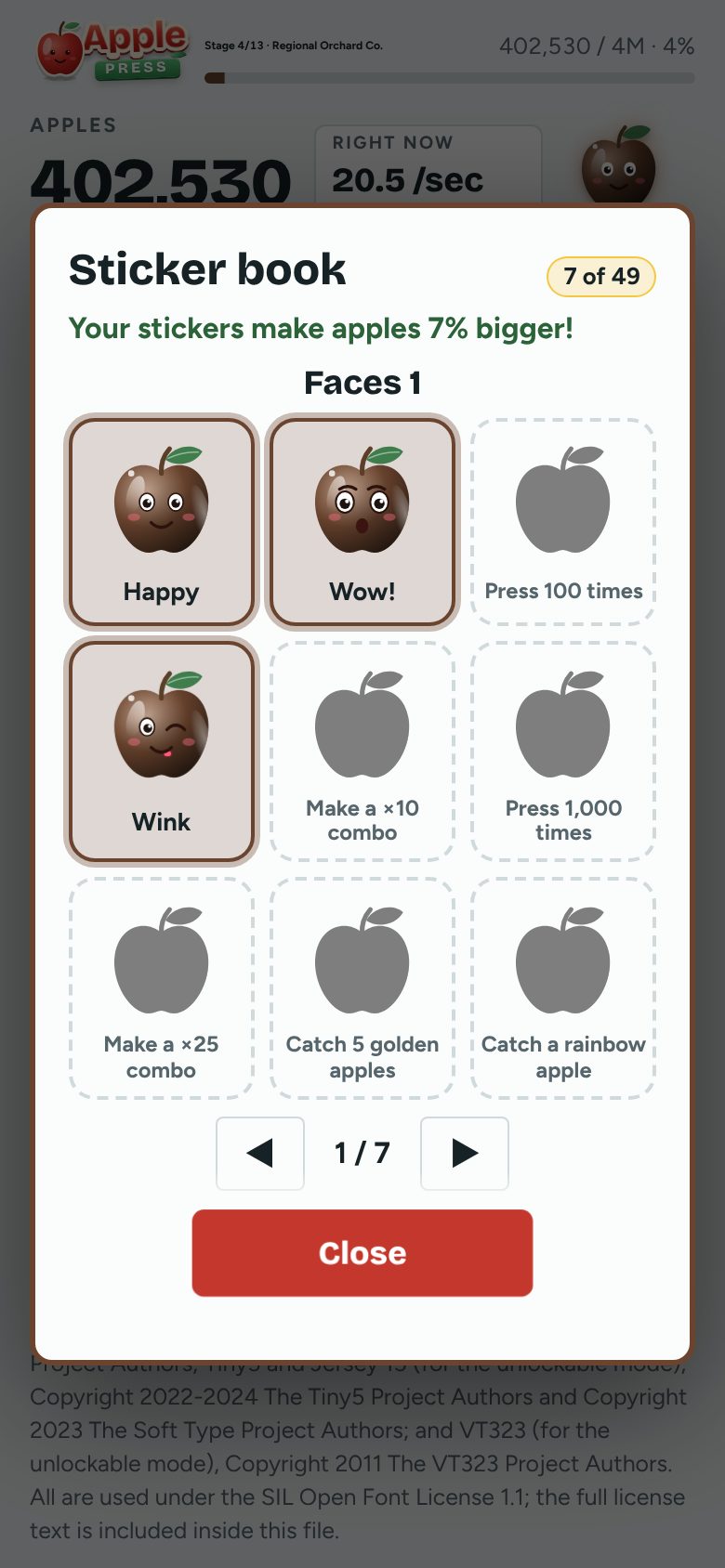
The sticker book on a phone, with apple faces to collect
The sticker book: 49 stickers to earn.
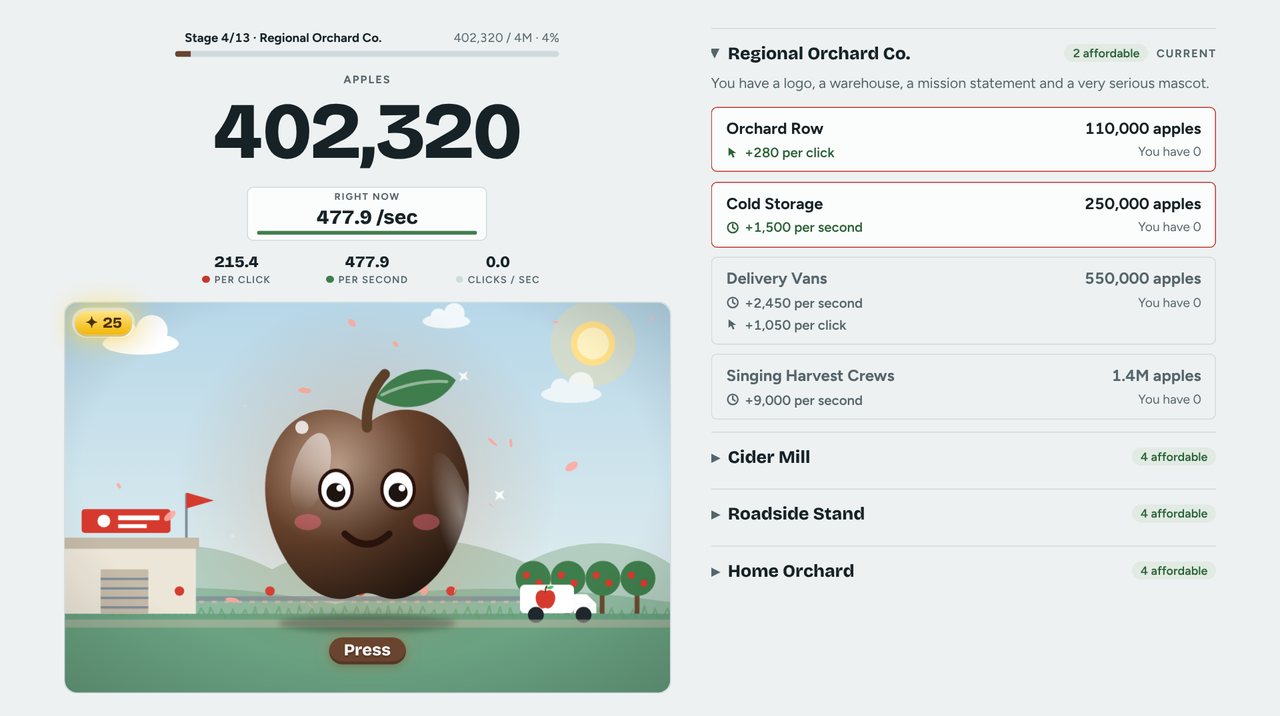
Apple Press on a computer: the apple on the left, upgrades on the right
It fills a bigger screen too.

Safe, free and open

Apple Press is made for children, so it is built to be easy to trust.

No ads

Nothing in the game tries to sell, show or sneak in anything.

No accounts

No sign-up, no log-in, no email, no age questions. Open it and play.

No data sent anywhere

Progress stays in your own browser. The game sends nothing to any server, and a grown-up can check that in the open code.

No microtransactions

Nothing to buy, no coins to top up and no timers that push a purchase. Every upgrade is earned by playing.

Fully open source

The whole game is free to read, copy and change under the MIT License.

Nothing to install

No download, no installer and no administrator rights. Open the page in your browser and play. No computer know-how needed: if you can tap an apple, you can play.

Works offline

Once the page is open, or saved to your device as one file, the game needs no internet at all, so it plays on a plane, in a car or anywhere with no signal.

Single player

One child, one apple. There is no chat, no friends list, no leaderboard and no way to meet strangers.

Any modern browser, most standard screens

Tested in Chromium, Firefox and WebKitGTK, on screens from a small 320-pixel-wide phone up to a 1920-pixel-wide computer, with no sideways scrolling.

How it plays

Each press earns apples. Upgrades add apples per press and per second. Own 10, 25 or 50 of the same upgrade and every copy gets twice as strong. Each copy of an upgrade costs 17% more than the last, so there is always a next thing to save for. Helpers keep picking at half speed while the game is closed, for up to 8 hours.

Upgrades, from the first stage

15 apples

Sturdy Basket

+1 per click

A bigger basket carries more apples with every press.

60 apples

Step Ladder

+1 per second

Reach the high branches while you press.

250 apples

Neighbor's Kid

+2.8 per second+1.2 per click

Works for pocket money and a slice of pie.

700 apples

Hand Crank Press

+6 per click

Cast iron, a long handle and a lot of elbow grease.

The first adventure: six stages

Each stage has its own animated scene, apple color and four new upgrades. Seven more stages open after the first adventure.

  1. Home OrchardYou, a ladder and a dozen trees behind the house.
    start
  2. Roadside StandA folding table at the end of the driveway. Cash only.
    1K apples
  3. Cider MillNeighbors drive out for the cider. Some stay for the donuts.
    15K apples
  4. Regional Orchard Co.You have a logo, a warehouse, a mission statement and a very serious mascot.
    250K apples
  5. Statewide DistributorYour apples are on every shelf in the state. The state has noticed.
    4M apples
  6. National BrandA jingle, a mascot and a spot during the big game.
    70M apples
Special apples that fly across the scene: golden, crystal, jade, rainbow, comet, cosmic and poison
Special apples fly across the scene. Catch them for bursts of apples and bonus credits.

The numbers

Measured on build 2026.10.23.2114 on one test computer, one browser at a time: Firefox 158.0, ungoogled Chromium 155.0.8059.39-1 and WebKitGTK 2.52.6. A phone may be slower.

100 to 175 msuntil the first game picture appears
about 6 MBof memory used by the game's own scripts
0 findingsin 30,000 random game operations across the three browsers, on the latest build
29 checksin the full test set, all passing on the latest build

Tapping the apple at a late stage with lots of effects on screen

Frames per second, higher is better. Bars show the middle of each range.
Chromium
120
Firefox
70 to 95
WebKitGTK
23 to 26

Which copy to send

Size in bytes, smaller is better. The smallest copy opens in about 97 to 99 ms, the small copy in about 40 to 56 ms.
Regular page
738,598
Small copy
292,208
Smallest copy
208,964

On a slow device, the game holds the background scene still

Frames per second while tapping in Chrome with the processor slowed to phone speed, higher is better.
Before
25.2
After
28.7

Features for grown-ups

No sound, by design

The game has no sound or music at all. It is a visual and tactile experience: the apple squishes under a finger, things sparkle and move, and nothing beeps or startles. That means less stimulation for players with sensory challenges, and no volume to manage.

Safe saving

Progress autosaves in your browser and keeps a backup copy. Save a code or a file to move to another device, and load it again anywhere.

A Grown-ups door

Start over and the links to other games ask for a 3-second hold and a drag first. A small child is unlikely to pass; it is a speed bump, not a lock.

Effects that adapt

Full, Lite and Calm effects. The game steps down by itself on a slow device, and offers Calm if your device asks for reduced motion. It never switches on its own.

A quick tour

New players get a short guided look at the page in simple words. It can be skipped, and opened again from the How to play button.

Hold to press

Hold the apple down and it keeps pressing, which helps tired hands and younger players. It can be switched off in the footer.

Help when something is slow

Tap five times in the top-left corner to save a speed report or an error log as a small file. Nothing is sent anywhere.

Copies you can send

CopySizeOpens in
Regular page738,598 bytes-
apple-press-small.html292,208 bytesabout 40 to 56 ms
apple-press-smallest.html208,964 bytes (28% smaller than small)about 97 to 99 ms

Opening times were measured on an earlier build on one test computer; a phone may take longer.